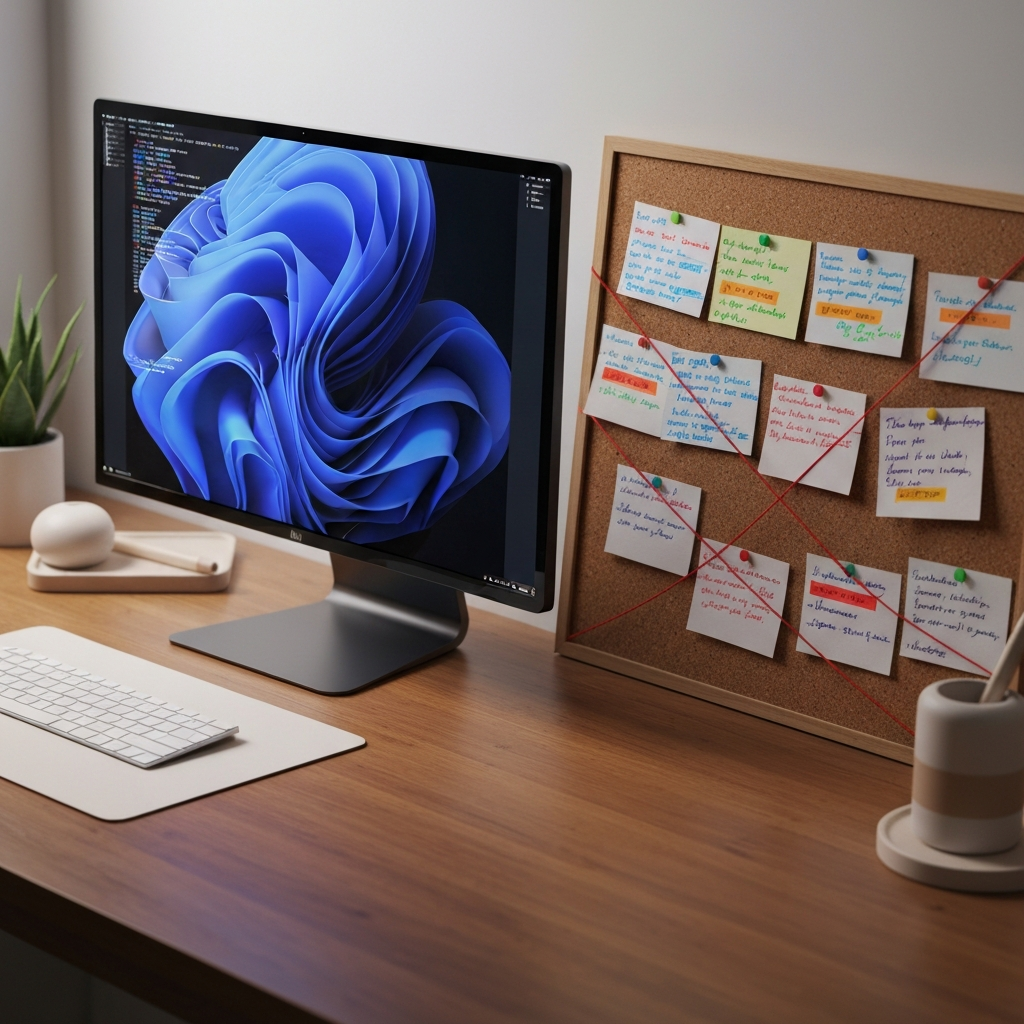
The Myth of the Frictionless Digital Utopia
For the past decade, the prevailing narrative in productivity has been one of ruthless digitization. The mandate was clear: migrate every task, schedule, brainstorming session, and archive into the glowing rectangles on our desks. The promise was absolute efficiency. With infinite storage, instant retrieval, and frictionless organization, we were supposed to reach a state of operational nirvana. Yet, as our digital systems grow increasingly sophisticated, a subtle but profound cognitive degradation occurs. We are experiencing what can be classified as the Tangibility Bias.
When you strip away the physical dimensions of your work, you unintentionally strip away the spatial and tactile cues your brain evolved to rely on for processing complex information. In a purely digital environment, a high-stakes strategic initiative and a mundane administrative chore occupy the exact same physical space: a few pixels on a high-resolution screen. This flattening of information creates a unique type of cognitive fatigue. You are no longer navigating a physical landscape of work; you are staring into a void, relying entirely on abstract memory and search bars to orient yourself. To regain control over your cognitive load, you must understand how digital uniformity sabotages execution, and more importantly, how to systematically reintroduce physical friction into your workflow.

The Uniformity Penalty and Priority Blindness
Physical objects possess inherent characteristics that communicate their weight and importance without requiring conscious thought. A massive, heavy binder sitting on the corner of your desk signals a complex, demanding project. A single sticky note attached to your monitor signals a brief, immediate task. Your brain registers these differences in volume, weight, and spatial positioning instantly.
Digital interfaces completely eradicate this natural hierarchy. Whether you use Asana, Notion, Todoist, or Jira, the software forces all information into uniform visual containers. A project that will take six months and determine the trajectory of your career is reduced to a single line of text or a small rectangular card. A task that takes five minutes to complete is given the exact same visual weight. This uniformity causes ‘priority blindness.’ Because everything looks identical, your brain has to expend executive function simply to remember the relative importance of each item on the screen. You are forced to manually parse the context of every single task, every single time you look at your digital lists, draining the mental reserves you need for actual deep work.
The Eradication of spatial mapping
Human memory is fundamentally spatial. Evolutionary biology dictated that our survival depended on remembering where things were located in our environment—where the water source was, where the predators lived, where the shelter stood. This spatial mapping is so deeply ingrained in our neurology that memory champions still use the ‘Method of Loci’ (building a mind palace) to memorize vast quantities of data by assigning facts to imaginary physical locations.
Digital filing systems actively wage war against spatial memory. When you place a document into a nested digital folder, it ceases to exist in physical space. It becomes a string of code retrievable only via a search function or a highly specific digital pathway. You can no longer rely on the passive recognition of knowing a document is ‘in the blue folder on the left side of the bottom drawer.’ Instead, you must rely on active recall: remembering the exact naming convention or keyword you used six months ago. This shift from passive spatial recognition to active cognitive recall introduces massive, invisible friction into your daily workflow. You spend more energy trying to locate your work than you do executing it.
The Paradox of the Infinite Canvas
One of the primary selling points of modern productivity software is the concept of the infinite canvas. You have infinite whiteboards, infinite nested pages, and infinite storage capacity. However, human attention and cognitive processing power are strictly finite. When you remove constraints from a system, you do not enable better thinking; you enable hoarding.
Physical tools possess artificial constraints that force synthesis. A piece of paper only has so much surface area. An analog index card can only hold a few bullet points. A physical whiteboard forces you to erase an old idea before you can map out a new one. These limitations are not flaws; they are cognitive forcing functions. They force you to distill your thoughts, prioritize the most critical variables, and discard the noise. An infinite digital canvas allows you to collect hundreds of disparate data points without ever doing the hard work of synthesizing them into a coherent strategy. The result is a sprawling digital graveyard of half-baked ideas that paralyzes you every time you zoom out.
How to Engineer Analog Anchors
The solution is not to abandon your digital tools and revert to a purely paper-based existence. Digital systems remain vastly superior for long-term storage, collaboration, and archival retrieval. The goal is to build a hybrid architecture. You must engineer ‘Analog Anchors’—specific, physical interventions designed to handle the processing, prioritization, and synthesis of your work, leaving the digital realm strictly for storage.
Protocol 1: The Tactile Triage Pad
Your digital task manager should act as a warehouse, not a workspace. The problem with working directly out of a digital system is that opening the application exposes you to every pending obligation you have, triggering immediate overwhelm. To combat this, implement a Tactile Triage Pad. At the beginning of your workday, review your digital warehouse. Select the three to five critical outcomes that must be achieved. Write them down on a physical notepad, and then close the digital task manager. For the rest of the day, your physical pad is your only master. This creates a closed, finite system. As you cross items off with a pen, the physical act of striking through the text provides a dopamine response and a sense of tangible momentum that clicking a digital checkbox simply cannot replicate.
Protocol 2: Spatial Project Mapping
When you are in the initial stages of a complex project—whether it is outlining a book, designing a product architecture, or planning a marketing campaign—keep the work off the screen. The ‘messy middle’ of project planning requires you to hold multiple variables in your head simultaneously. Alt-tabbing between digital windows destroys this fragile cognitive state. Instead, use a large physical whiteboard or a blank wall with index cards. Allow your eyes to dart across a physical landscape of information. Group concepts manually. Move cards around. The physical movement and spatial relationship between the ideas will trigger associations that a linear digital outline suppresses. Only when the architecture is fully synthesized and finalized should it be translated into your digital project management software.
Protocol 3: The State-Change Boundary
One of the most insidious side effects of digital-only work is the inability to psychologically detach at the end of the day. Because your work exists entirely in the cloud, it feels omnipresent. There is no physical indication that the workday has concluded. You must engineer a physical state-change boundary. This could be a dedicated analog journal where you write down the open loops remaining for tomorrow, followed by the physical act of closing the journal and placing it in a drawer. This tactile sequence sends a clear, biological signal to your brain that the execution phase has ended. It replaces the endless, lingering anxiety of open browser tabs with the definitive finality of a closed book.
By strategically deploying physical constraints within a digital workflow, you protect your executive function. You stop forcing your brain to process abstract pixels and allow it to operate in the physical reality it was designed for. In a landscape obsessed with digital optimization, the highest leverage you can gain is knowing exactly when to step away from the screen.
Do you enjoy the content on Agenda Creativa?
Your contributions help me create new articles, share creative ideas, and keep this platform alive! If you like what I do and want to support my work, you can buy us a coffee.
Every cup of coffee means more than just a gesture – it's direct support for my passion to create inspiring and useful content. Thank you for being part of this journey!
☕ Buy me a coffee