The Allure of the master dashboard
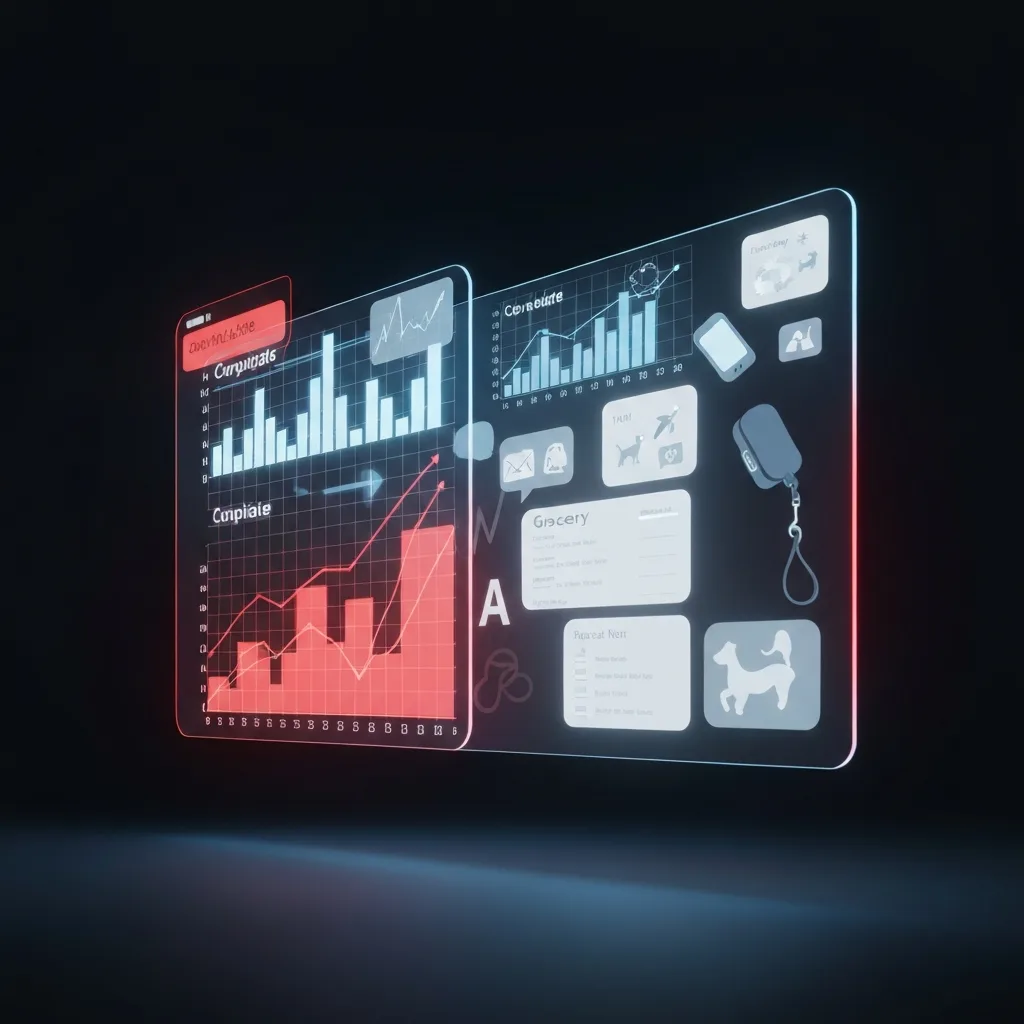
Over the past decade, the prevailing advice in the productivity sphere has been a relentless push toward absolute centralization. We are instructed to build a “second brain,” a master dashboard, a singular digital command center where our entire existence is meticulously categorized. The modern ideal is an all-in-one workspace where your Q3 financial projections sit right next to your weekend grocery list and your marathon training schedule.
The logical appeal of this setup is undeniable. By consolidating everything into one application, you theoretically reduce friction. You eliminate the need to switch between different tools, you maintain a single source of truth, and you never have to wonder where a specific piece of information lives. Software companies spend millions marketing this exact utopian vision: a frictionless digital life where work, hobbies, and personal chores exist in perfect harmony on a single screen.
However, human psychology does not operate like a database. While computers excel at storing disparate types of data in a single repository without issue, the human brain relies heavily on environmental and contextual cues to regulate focus, manage stress, and transition between different roles. When you strip away those boundaries in the name of digital efficiency, you do not achieve harmony. You achieve context collapse.
Context Collapse and the Zeigarnik Bleed
Context collapse is a concept originally used to describe the anxiety induced by social media, where a person’s boss, mother, and college friends all occupy the same digital space, making it impossible to tailor behavior to a specific audience. In the realm of task management, context collapse occurs when your professional obligations and personal life are forced into the same visual field.
When you open your task manager on a Sunday morning to check the ingredients you need for a family dinner, and your eyes inadvertently catch a red-flagged task titled “Finalize Board Presentation,” your nervous system reacts. You are instantly pulled out of your personal context and dragged back into professional stress. You have effectively brought your boss into your kitchen.
This visual overlap exacerbates what psychologists call the Zeigarnik effect—the brain’s tendency to fixate on uncompleted tasks. When work and life share a single system, the Zeigarnik effect bleeds across domains. You cannot fully detach from work because the visual reminders of your professional obligations are permanently housed in the exact same application you use to manage your personal life. The result is a chronic, low-grade anxiety. You are never fully working, and you are never fully resting; you are simply hovering in a state of continuous, diluted obligation.
Understanding the Consolidation Fallacy
The Consolidation Fallacy is the mistaken belief that centralizing your data automatically centralizes your focus. It assumes that because information is easier to store in one place, human attention is capable of processing it in one place.
In reality, focus is heavily dependent on compartmentalization. Just as you would not conduct a high-stakes client meeting in your bedroom, you should not house your high-stakes professional projects in the same digital environment as your personal journal. The friction of moving between different physical spaces helps us transition psychologically. When we remove the digital friction between “work mode” and “life mode,” we destroy the psychological transition entirely.
True productivity requires deep engagement with the task at hand, followed by complete psychological detachment during periods of rest. A consolidated system actively prevents this detachment, keeping you tethered to every obligation you have ever recorded, all at once.
How to Engineer Strategic Partitioning
The antidote to the Consolidation Fallacy is Strategic Partitioning. This is the intentional separation of your digital environments to rebuild the boundaries that all-in-one tools have destroyed. The goal is to ensure that when you are working, you cannot see your personal chores, and when you are resting, you cannot see your professional projects.
1. Establish Strict App-Level Borders
The most effective way to partition your life is to use entirely different applications for different domains. The friction of closing one app and opening another is not a flaw; it is a critical feature. It serves as a digital doorway.
For example, you might use a robust project management tool like Asana or Jira strictly for professional work, while reserving a simpler, native application like Apple Reminders or Todoist exclusively for personal tasks. By enforcing this app-level border, you guarantee that opening your personal grocery list will never accidentally expose you to a looming work deadline. The visual language, the interface, and the icon you click become psychological triggers that tell your brain exactly which mode to enter.
2. Implement Hardware and Profile Segregation
If possible, separate your domains at the hardware level. Keep work tasks on a company-issued laptop and personal tasks on a personal device. If you must use a single machine, utilize operating system profiles or distinct browser profiles.
Create a “Work” Chrome profile with its own bookmarks, extensions, and logged-in accounts, and a separate “Personal” profile. When the workday ends, close the work profile completely. This simple act of closing the window acts as a powerful transition ritual, signaling to your brain that the professional portion of the day is officially terminated.
3. Build a ‘Read-Only’ Calendar Bridge
The one exception to strict partitioning is your calendar. Time is a finite, shared resource across all domains of your life; you cannot be in a marketing meeting and at a dentist appointment simultaneously. Therefore, your calendar must reflect a unified view of your time to prevent double-booking.
However, this should be handled via a “read-only” bridge. Keep your work calendar and personal calendar on separate accounts, but share them with each other with restricted permissions. You can view personal blocks on your work calendar as “Busy” without seeing the specific details, and vice versa. This allows you to manage your time accurately without cross-pollinating the specific stressors of each domain.
4. Engineer Domain-Specific Capture Inboxes
One of the primary reasons people consolidate systems is the fear of forgetting an idea when they are in the “wrong” mode. If you remember a work task on a Saturday, you need a way to capture it without opening your work system and getting sucked into professional anxiety.
The solution is to engineer isolated capture inboxes. Set up an automated workflow—such as a specific email address, a Slack DM to yourself, or a dedicated physical notepad—where you can dump out-of-context thoughts. If you have a work idea on the weekend, write it on the physical notepad or send an email to your work address. Do not open your project management app. The idea is captured and safe, but you remain protected behind your digital firewall, allowing you to seamlessly return to your personal time.
Reclaiming Your Cognitive Real Estate
We have been sold the illusion that seeing everything at once gives us control over everything at once. In practice, total visibility simply guarantees total overwhelm. By deliberately fracturing your productivity system into distinct, purpose-built environments, you are not stepping backward into disorganization; you are stepping forward into cognitive clarity.
Strategic partitioning allows you to give your full, undivided attention to your professional ambitions during the day, and—crucially—allows you to leave those ambitions behind when the day is done. In a culture that defaults to endless connectivity, building walls inside your digital life is not just an organizational tactic. It is a necessary mechanism for preserving your peace of mind.
Do you enjoy the content on Agenda Creativa?
Your contributions help me create new articles, share creative ideas, and keep this platform alive! If you like what I do and want to support my work, you can buy us a coffee.
Every cup of coffee means more than just a gesture – it's direct support for my passion to create inspiring and useful content. Thank you for being part of this journey!
☕ Buy me a coffee