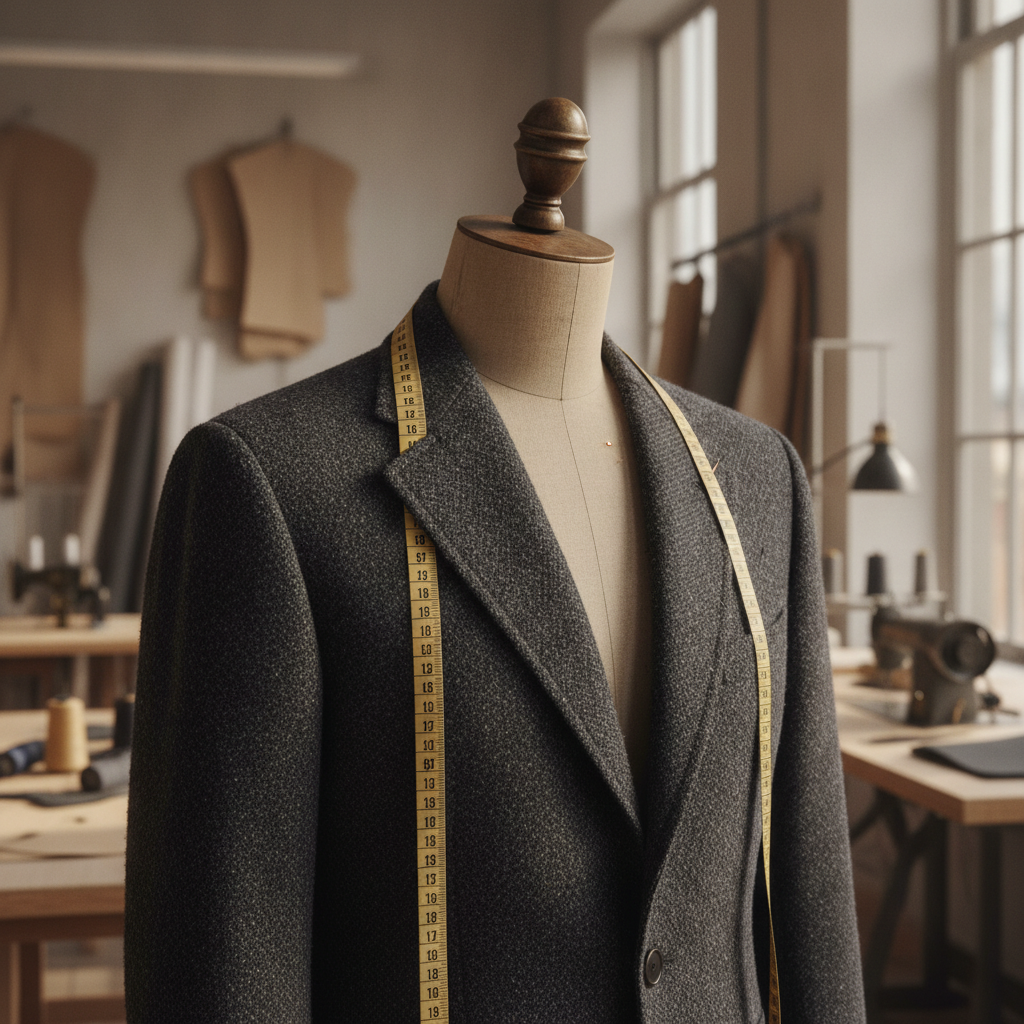
The Atelier Dilemma: Translating Tactile Bespoke Craft into Digital Architecture
In the bespoke atelier, countless hours are invested in aligning the warp and weft, anchoring balanced interfacings, hand-rolling silk hems, and fine-tuning sleeve caps on the true bias. Yet, when an independent dressmaker or tailoring studio seeks to document, catalog, or sell these garments online, the tactile reality often disintegrates through amateur photography. A hand-pad-stitched lapel can easily appear warped; a meticulously draped bias-cut silk crêpe de chine gown can look limp, flat, or distorted through the uncalibrated optical lens of a handheld device.
The dilemma stems from two intersecting friction points: spatial distortion and edge delineation. In physical tailoring, grainline tension controls how light hits the fabric surface. If you hang a finished coat against a domestic backdrop, ambient lighting disrupts the garment’s silhouettes, while mobile wide-angle cameras compress the chest circumference and stretch the hemline out of proportion. Furthermore, each marketplace interface—from high-end curated vintage portals like Depop and Etsy to resale platforms like Vinted and eBay—utilizes specific algorithmic viewports that actively penalize off-balance vertical proportions.
The Physics of Edge Contrast and Fabric Silhouetting
When presenting fine tailoring digitally, our goal is absolute morphological clarity. Every seam allowance, shoulder line, and silhouette contour must read as crisp structural architecture. When images are shot against chaotic backgrounds, the visual hierarchy collapses: the observer’s eye cannot discern the roll of the lapel from background shadows, nor evaluate the clean drop of the side seam.
To overcome this, professional couturiers must understand edge isolation. Just as we use tailors’ chalk and razor-sharp shears to isolate pattern pieces along precise grainline markers, our digital presentations require micro-level edge separation. Cutting out a garment improperly produces a harsh ‘sticker effect’ that destroys the organic weight of the wool or the delicate transparency of horsehair canvas. Preserving realistic contact shadows beneath the hem and along drape folds re-anchors the piece into three-dimensional space.
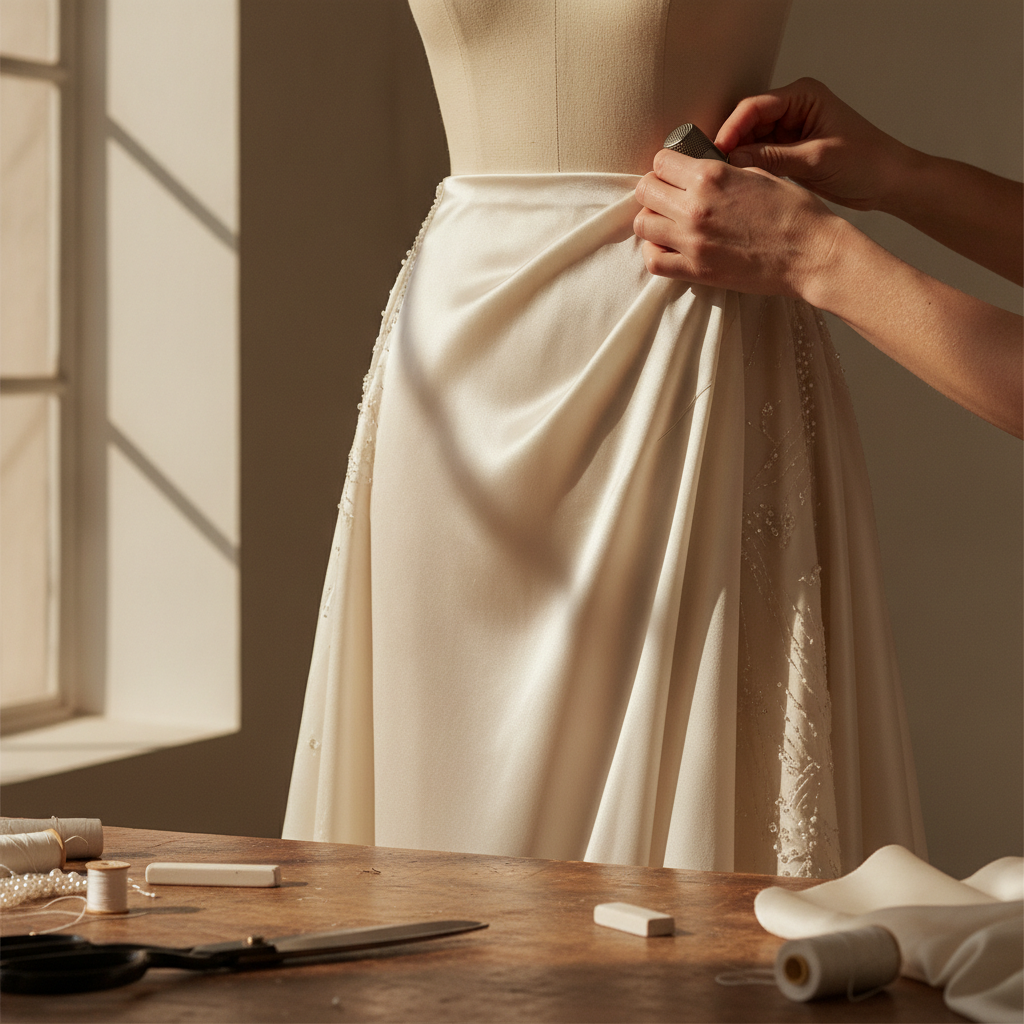
Viewport Architecture: Mathematical Framing for Cross-Platform Presentation
The human eye reads garments from shoulder to hem, evaluating silhouette balance, neck drop, and vertical drape. In digital feeds, this verticality must be mathematically mapped to screen aspect ratios without triggering dynamic algorithmic cropping:
- The 3:4 Vertical Standard (Vinted & Mobile Portfolios): At 1200 × 1600 px, this format mirrors the human vertical silhouette. It occupies maximum mobile viewport real estate. The shoulder seams must be placed along the upper third guideline, leaving a 10% breathing margin above the collar stand and below the finished hem.
- The 1:1 Pure Square (Depop & eBay): At 1200 × 1200 px, vertical garments risk feeling compressed. To avoid cropping the cuffs or hem, align the waistline dead-center, allowing the flare of skirts or tails of jackets to ground the lower quadrant symmetrically.
- The 4:3 Editorial Horizontal (Etsy & Lookbooks): Spanning 1600 × 1200 px, this ratio suits flat-lays, accessory details, and full shoulder-to-shoulder jacket displays where lapel width and gorge depth take center stage.
- The 9:16 Immersive Narrative (Stories & Reels): At 1080 × 1920 px, this captures full-length eveningwear and bespoke overcoats, preserving the entire sweep of the garment along the true vertical grain.
🛠️ Interactive Atelier Tool: Multi-Platform Reseller Photo Studio
Skip manual math and cutting guesswork. Use our free interactive tool to instantly calculate your exact measurements, fabric yield, and project specifications:
Step-by-Step Atelier Protocol: Staging, Lighting, and Optical Calibration
1. Staging the Garment’s Gravitational Axis
Before snapping a single frame, dress your tailoring dummy or mount the garment on a contoured wooden hanger. Check the grainline plumb line: the center front seam must run perpendicular to the floor with zero torque. Smooth the fabric along the crosswise grain (weft) across the chest to prevent artificial tension drag lines. If photographing a bias-cut dress, allow the silk to hang freely for a minimum of 24 hours so the fibers settle naturally prior to documentation.
2. Lighting for Tactile Weave Definition
Avoid direct on-camera flash, which bleaches out subtle weave textures such as herringbone, gabardine twill, or fine slub linen. Instead, employ diffuse cross-lighting at a 45-degree angle. This raking illumination catches the high points of the stitches and the valleys of the seam allowances, lending tactile dimensionality to your cut and construction.
3. Correcting Lens Parallax and True Proportions
Never take product photos using ultra-wide phone lenses held at eye level; this tapers the garment toward the hem, mimicking poor tailoring balance. Step back at least 2.5 meters and zoom optically to a 50mm or 70mm equivalent field of view. Lower your device height to mid-torso level (the natural balance point between the armscye and hip line) so the upper bodice and lower skirt remain in genuine geometric proportion.
4. Fine-Tuning Silhouette Isolation and Contact Shadows
Once raw imagery is captured, eliminate distracting visual noise from domestic walls, workshop racks, or tailoring stands. When removing backgrounds, preserve delicate edge transparencies—such as eyelash fringes on tweed, scalloped lace edges, or wool coat nap. Rather than dropping the isolated cutout onto a pure, harsh white canvas, reintroduce a soft contact floor shadow directly beneath the hem or shoe soles. This replicates natural light physics and guarantees your couture piece feels tangible, weighted, and bespoke rather than digitally pasted.
Integrating the Digital Studio into Your Atelier Workflow
Documenting your craft should not consume the hours you need for cutting, basting, and hand-finishing. Systematic digital framing elevates your pieces in client portfolios, resale channels, and high-end archives while upholding your standard of sartorial excellence.
To maintain seamless management across every commission, pair your visual workflow with our Client Measurement Tracker to keep custom anatomical sizing strictly organized, and plan your fitting schedules using our Project Deadline Calculator. Together, these tools bridge meticulous sartorial craft with pristine digital presentation.
Do you enjoy the content on Agenda Creativa?
Your contributions help me create new articles, share creative ideas, and keep this platform alive! If you like what I do and want to support my work, you can buy us a coffee.
Every cup of coffee means more than just a gesture – it's direct support for my passion to create inspiring and useful content. Thank you for being part of this journey!
☕ Buy me a coffee